
2. Setting up your Organization
When you are signing up for the first time (as an Owner), once you enter your credentials (email and code) you will need to setup your Organization.
This will create your Organization space into AnkorPay. You will be able also to add your colleague users to the organization (your company), add the vessels, get them verified and approve and manage all the APA expenses for the upcoming charters.
What is an Organization?
An Organization is the company you work for. It is the company that manages and approves expenses related to yacht charters. The Organization is responsible for:
- Managing the APA (Advanced Provisioning Allowance) for the vessel’s charters
- Managing and issuing cards for spenders (e.g., crew members)
- Approving and overseeing charter expenses from a yacht entity (owner)
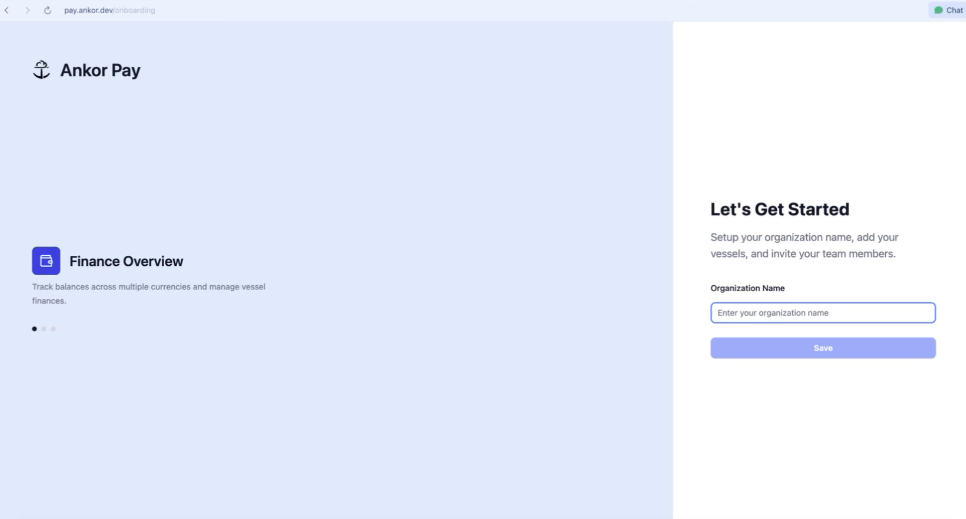
Once you have entered your Organization Name, click on Save, so you can start creating vessels and adding more users.
Next Step > 3. Create Entities & Vessels
Questions? If you are unsure of what to write, please reach out to support@ankor.io and we will be able to help you!