
Navigating the Cards section
Once familiarized with the 'Expenses' section, in the bottom right corner of your AnkorPay App, you can find the 'Cards' section.
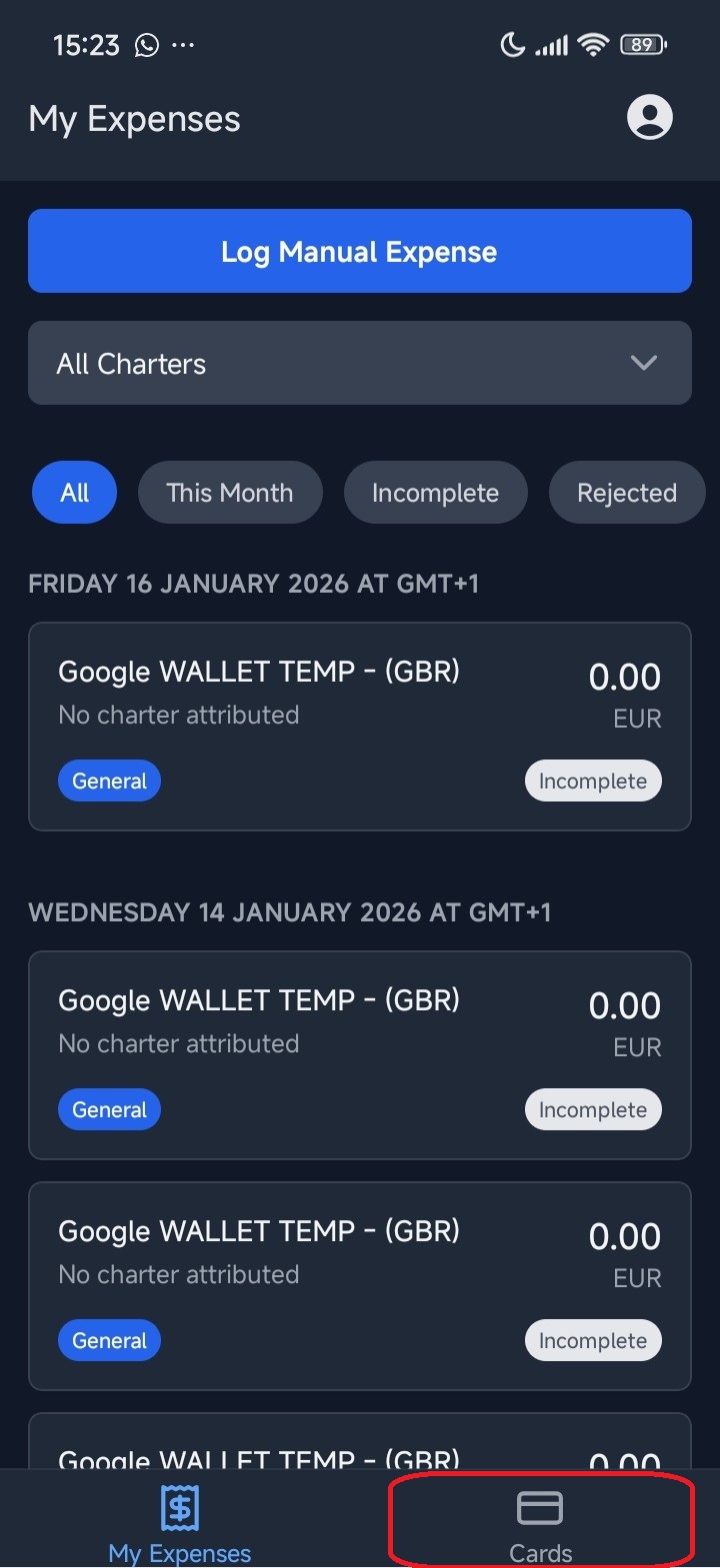
In this section you can choose from the following options:
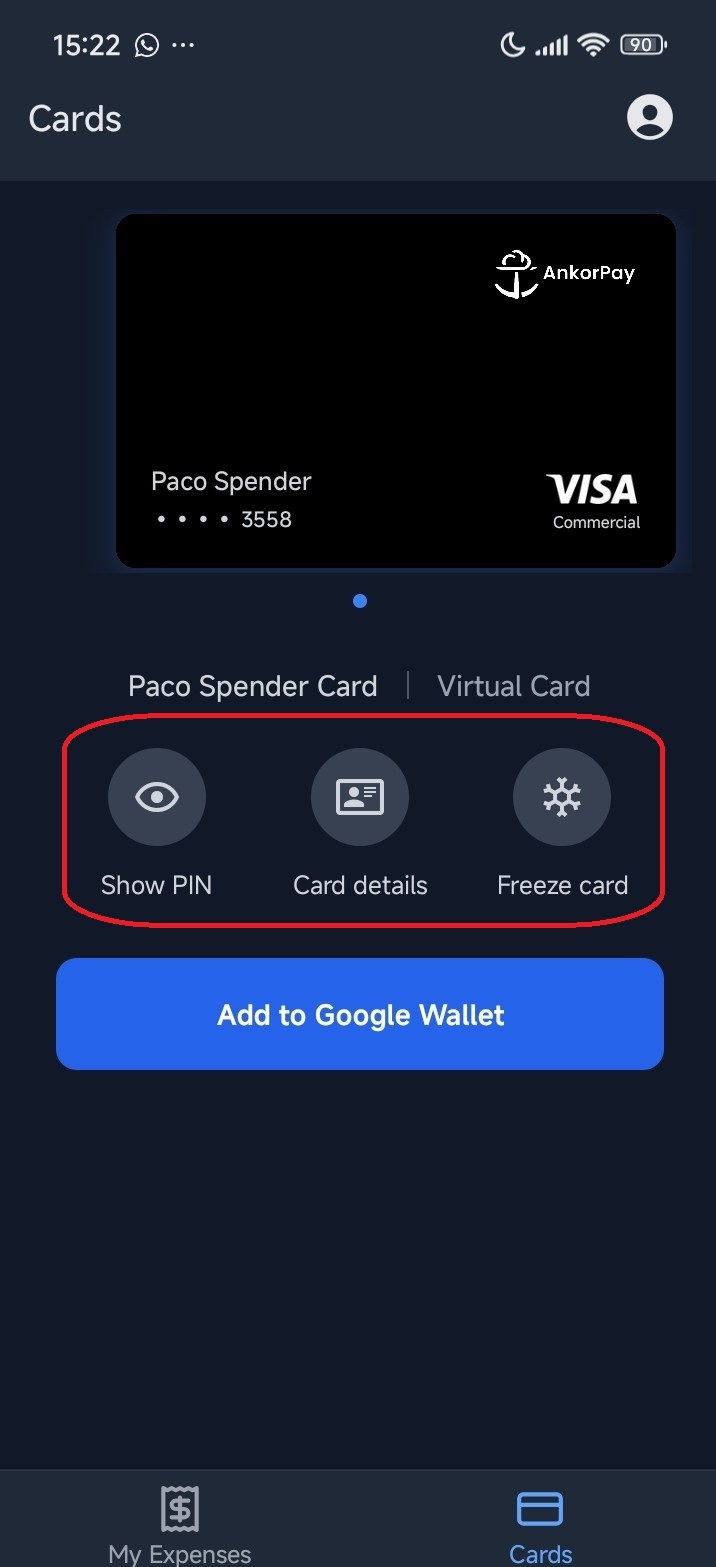
- Show PIN: You can find the PIN for your card in this section. It will require you to verify your identity through the code you selected when you installed the app.
- Card details: Here you can find your card number, expiry date and security code. It will also require verification through code.
- Freeze card: From this section you can freeze your card. Once frozen, it cannot be used for transactions, but any pending transactions may still be processed. It can be unfrozen at any time.
If you haven't done it yet, you can also add your AnkorPay card to Google Wallet. Find more about how to do it here.
Still Have Questions? If you still have issues or are unable to login, please reach out to support@ankor.io