
3. Create Entities & Vessels
Once you’ve set up your Organisation Name—your dedicated space in AnkorPay—you can start adding your first vessel.
We recommend completing the full setup process with one vessel first, and then replicating the same steps for the rest. Mastering the workflow early will make managing additional vessels quick and straightforward.
Important: Add the correct and correspondent Vessel's Name, currently the system does not allow you edit the vessel name or delete it.
Creating your first Vessel
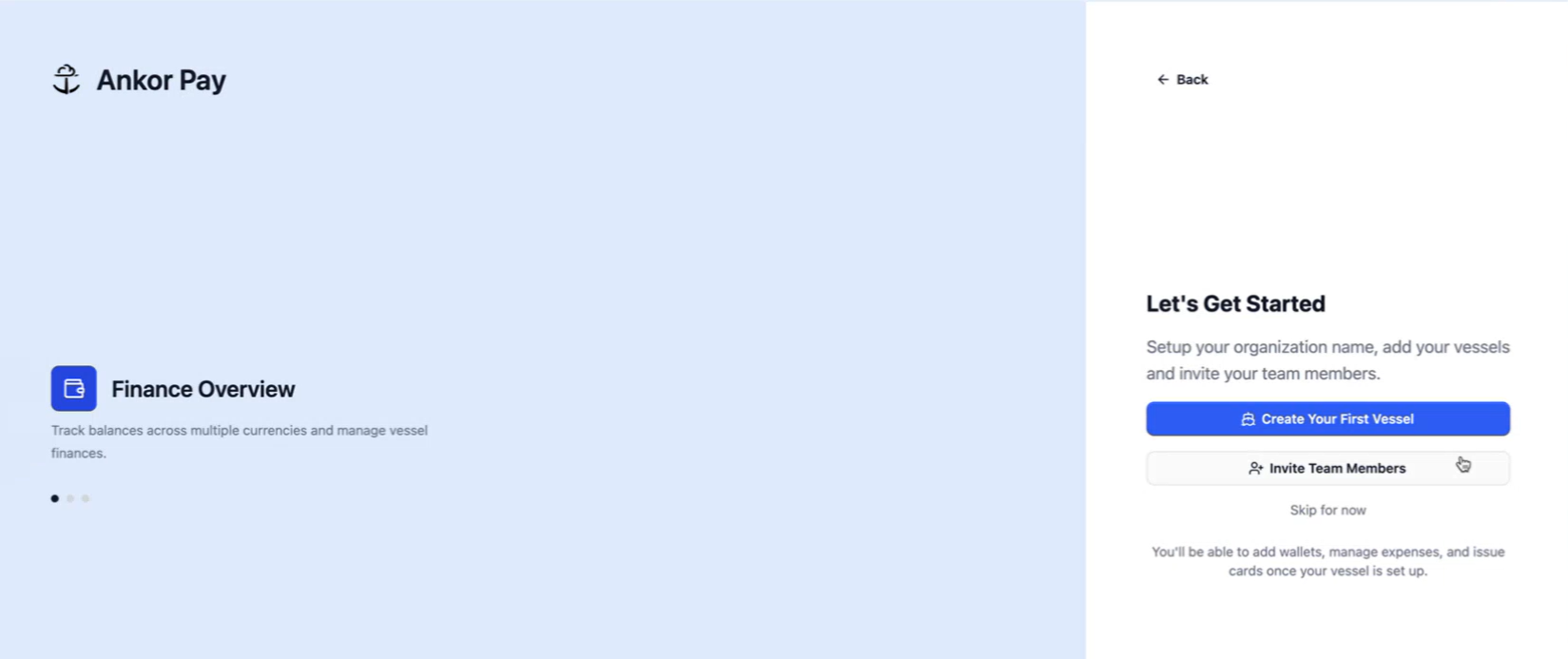
-> Click on ‘Create Your Fleet Vessel’
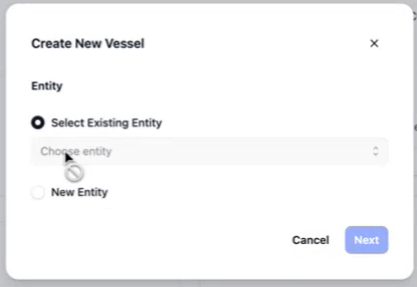
💡 Before adding a Vessel, you will be asked to create an Entity (Company who owns the yacht, not your Organisation).
Since it is the first time you are logging in, click on ‘New Entity’ > Add the Entity Name > Next.
What is an Entity?
An Entity is the company that owns the yacht, the ownership company.
It is the legal business entity that owns or operates vessel bank accounts and APA funds. Each vessel account is associated with an entity (like "Demi Miles" or "Alex CharterCo").
Now proceed with the Vessel
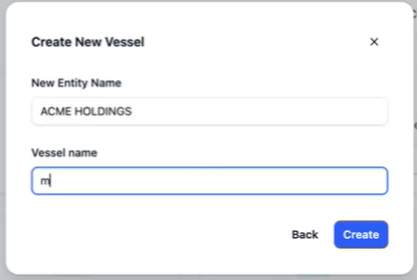
After the Entity has been setup, you can create the first Vessel.
Add the Vessel Name > Click on Create button.
Now that you have your Organisation created, your first vessel and the entity name that it belongs to, you can complete the Entity's profile which will allows you to start operating with APA funds, is like opening a bank account.
Next Step > 4. Open a Multi-Currency Entity Account (KYC)
Need Support? If you have any questions, please od not hesitate to recah out to support@ankor.io