
7. Creating a Charter for a Vessel
How to create upcoming Charters for a vessel
Once your vessel has been completed > click on Charters Menu > ‘New Charter’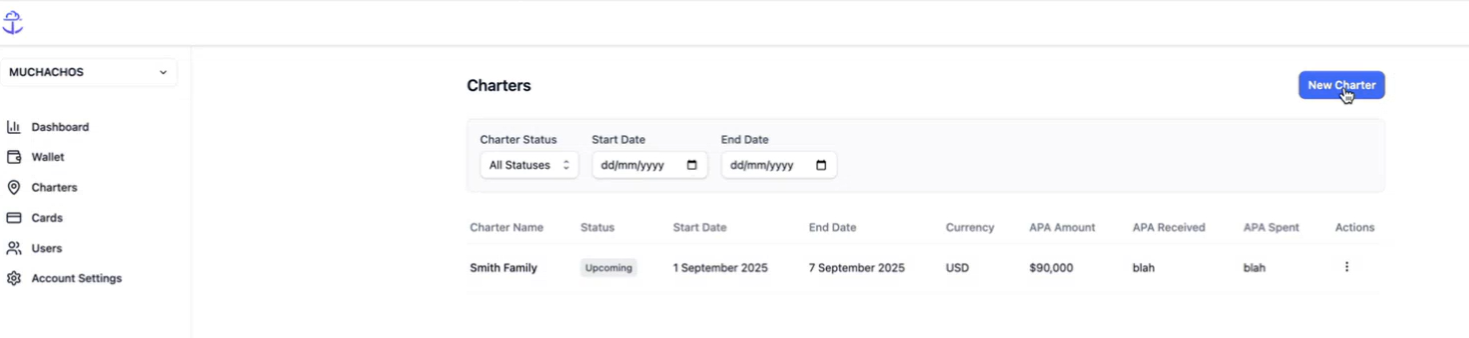
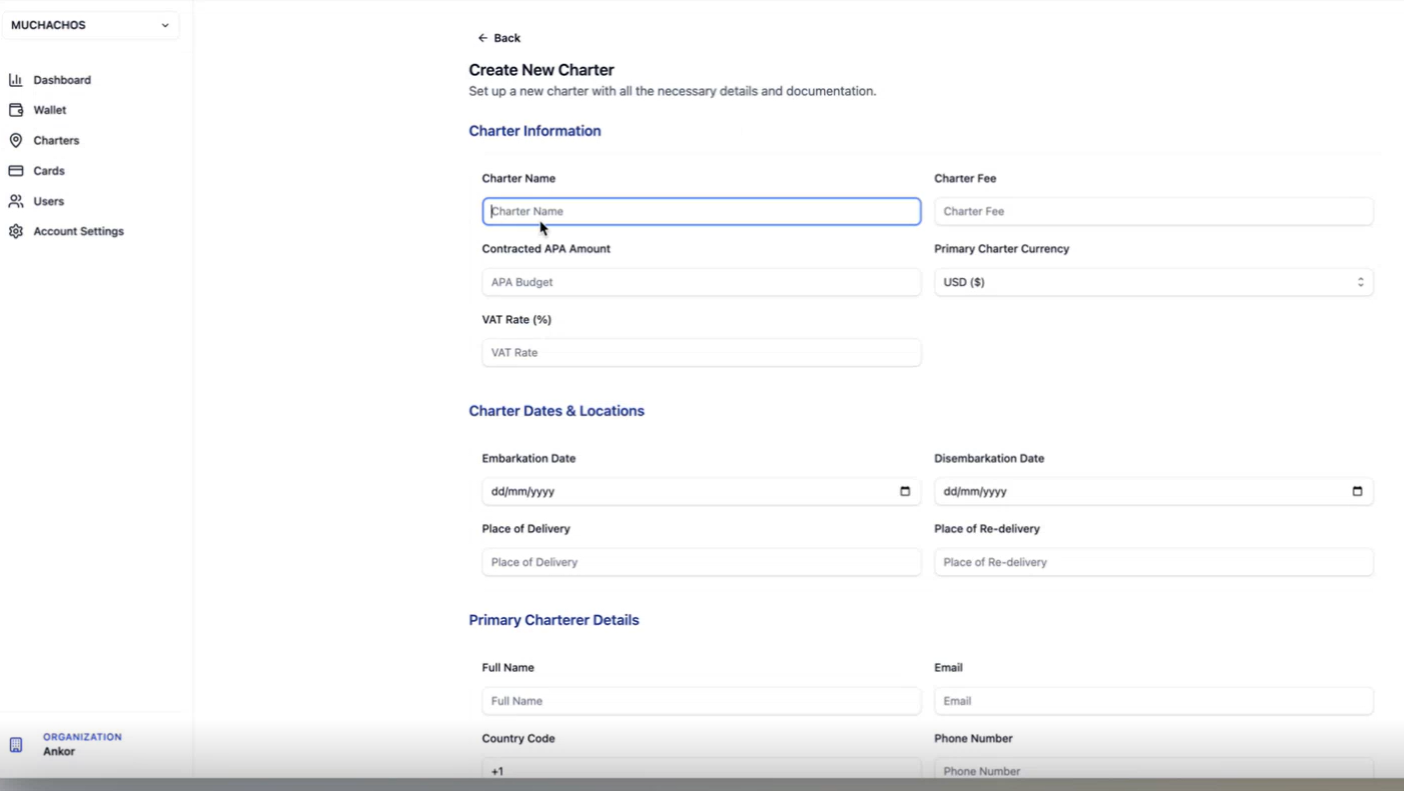
Now your Charter has been created!
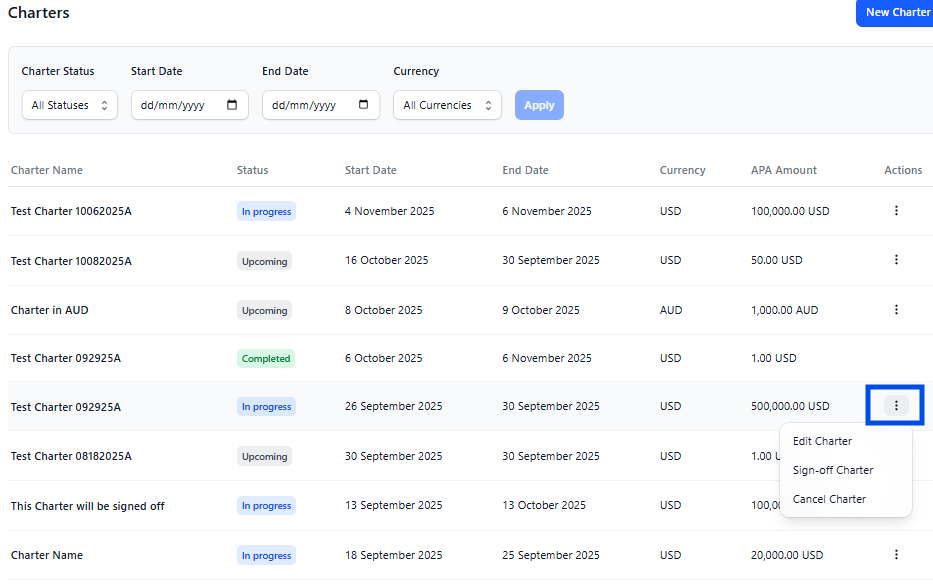
Actions that you can take on a Charter:
Go to the column ‘Actions’, click on teh 3 dots and select one of the options:
- Start > Start the Charter, when the Charter starts
- Edit > Edit details (Location, Date, APA Amount, Charterer details, etc)
- Cancel > Cancel the charter and remove from the dashboard.
Questions? Reach out to support@ankor.io